1
Add any HSA/FSA eligible Product(s) to your cart
Not sure if a product is eligible? Look out for the PAY WITH HSA/FSA button on our product pages.

Get a surprise best-selling pair for less.
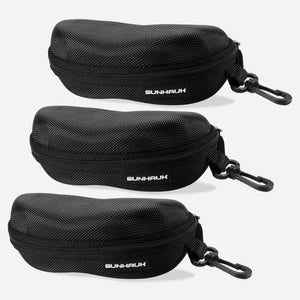
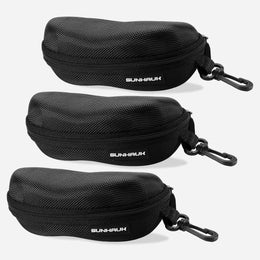
Keep all 3 pairs protected wherever you take them.
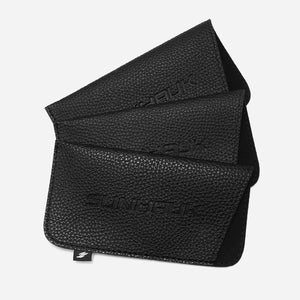
Keep your sunglasses scratch-free and dust-free.
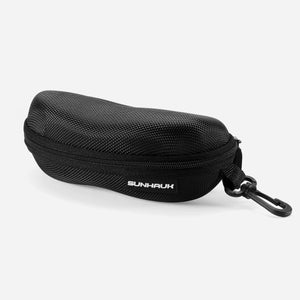
Protect your sunglasses on the go with a durable hard case.
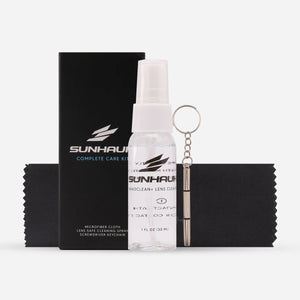
Everything you need to clean, protect, and care.


Built by Sunhauk® for real life. Crafted for durability and performance. Explore Fearlessly.


The TrueMed payment option verifies HSA/FSA eligibility and lets you use qualified HSA/FSA funds at checkout.
Once you're approved that's it! You'll receive an order confirmation and effectively save up to 30% on your order.*
*Savings come from using pretax dollars to make a qualifying HSA/FSA purchase.
Need assistance with your HSA checkout? Our team is here to help every step of the way.
Not sure if a product is eligible? Look out for the PAY WITH HSA/FSA button on our product pages.
Be sure to click on the "Truemed - Pay with HSA/FSA" button.
If you're not seeing this option, it may be because you are logged into Shop Pay. To log out, select "Checkout as guest" at the bottom of the checkout page.
Click on "Pay Now" within checkout. You will be redirected to TrueMed's website where you will be prompted to provide payment info. You may pay with one of the following options:
Fill out TrueMed's brief intake form/health survey to determine your eligibility.
After completing the evaluation form, you will be redirected back to our website. If your order qualifies for HSA/FSA, you will receive a Letter of Medical Necessity (LMN) via email within 48 hours.